








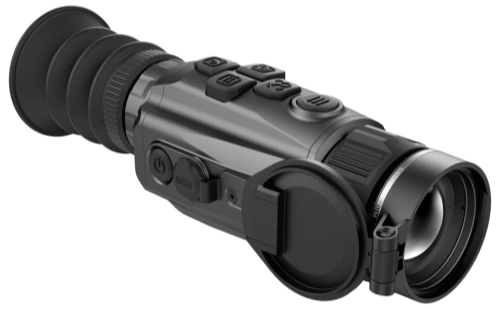
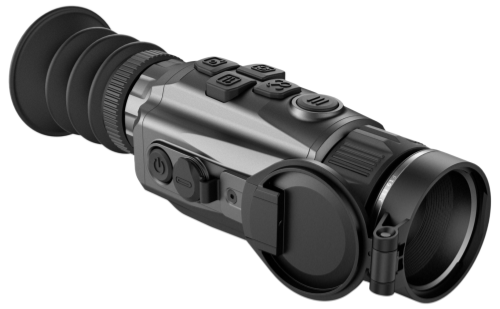
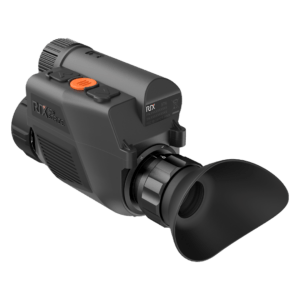

How to update your device through the RIX APP
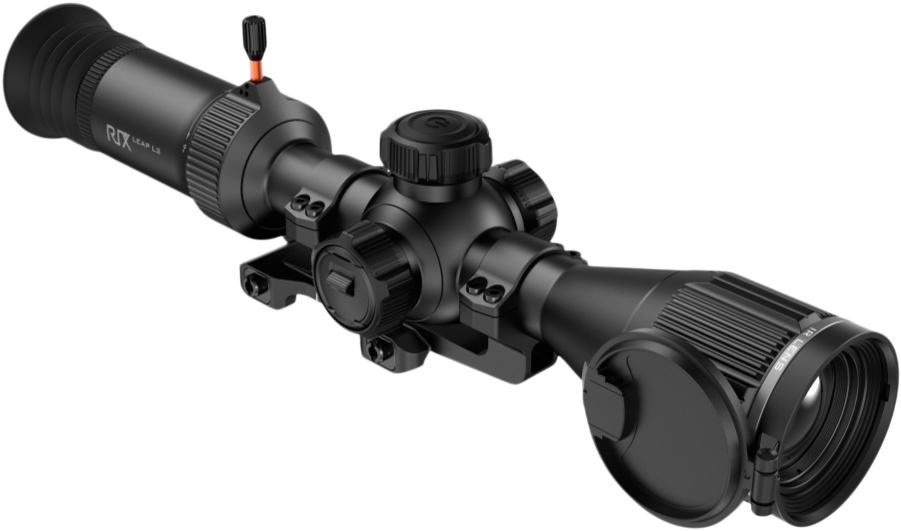
Currently, RIX Optics' thermal imaging and night vision products can be upgraded via the RIX+ APP.
The following steps will outline the upgrade process using LEAP as an example:
1.Install RIX+ App: First, make sure you have the RIX+ app installed on your smartphone . You can find it in the App Store (iOS) or Google Play (Android).

2.Use the APP to obtain product information
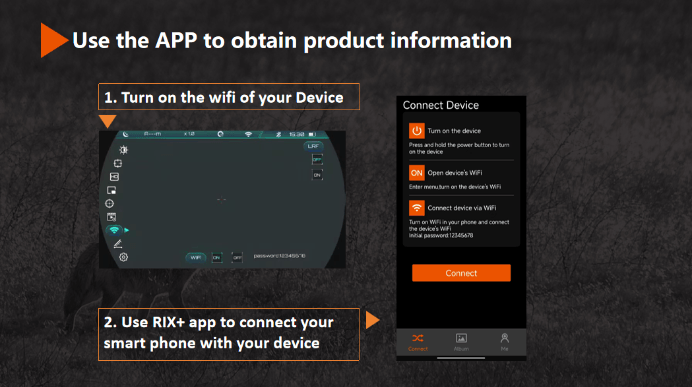
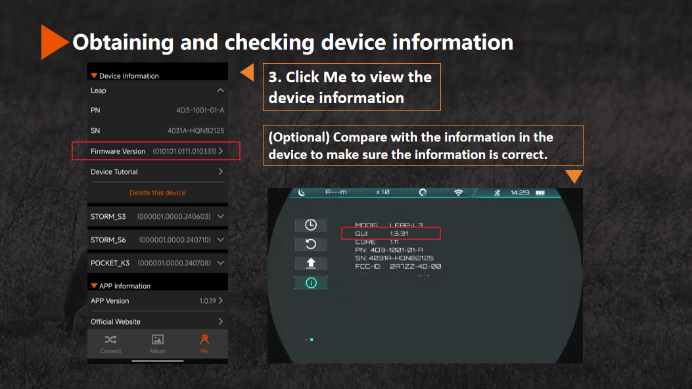
3.Obtaining and checking device information
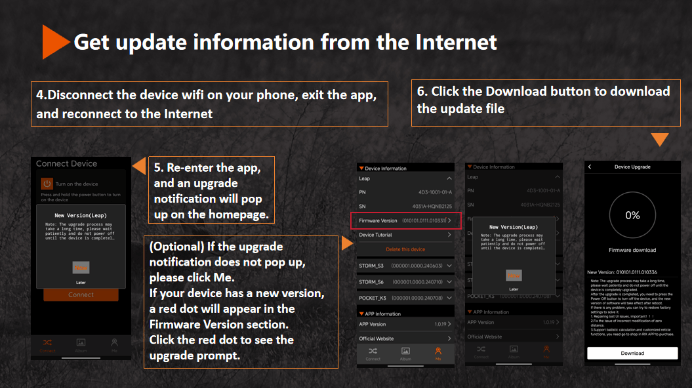
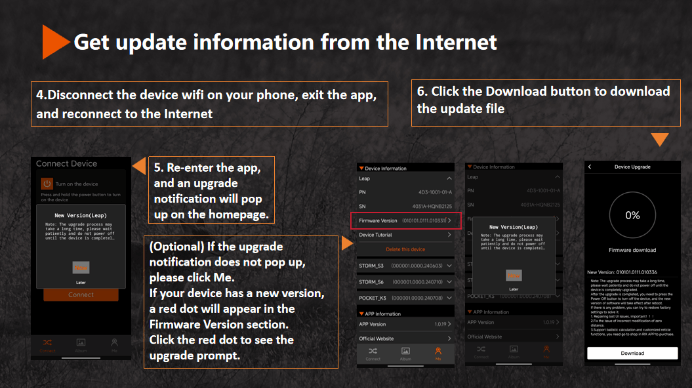
4.Get update information from the Internet
5.Download and upload the update file to the device.
Thank you for the info I have just bought the storm s2 as wall as my sun and his friend the tree of us could not be happier we just went on a hog hunt for a client and was moor successful than ever we had AGM 19 they worked wall but not as wall !! You might see us on our TikTok or onYouTube we will be bragging on the RIX and looking forward to seeing what you come up with next hopefully a thermal drone for us to use for hog’s and search and rescue thanks and have a nice day